
Connect AI mockups
Three layouts of the Connect AI page, built from the client area itself: its page frame, sidebar, tabs, cards, steps and theme. Every section can be clicked: all eight tools, MCP URL & tokens, What You Can Do with AI and Activity Log. Create Token, Revoke and Delete open their windows. Tokens and log entries are sample data.
A. Current layout, cleaned up
The sidebar stays: Your tool and Manage. Each tool gets its real logo in the sidebar and next to the title. The steps are split by space instead of lines.
B. Pick a tool from a grid
Page tabs for the four sections. On Connect, the eight tools are cards with logos; the steps of the picked tool show below. Examples are shown as cards, all at once.
C. Steps with server details
A short sidebar for the four sections and the tools as a tab strip. Next to the steps: server URL, your tokens and a few examples. After Create Token the new token is filled into the commands.
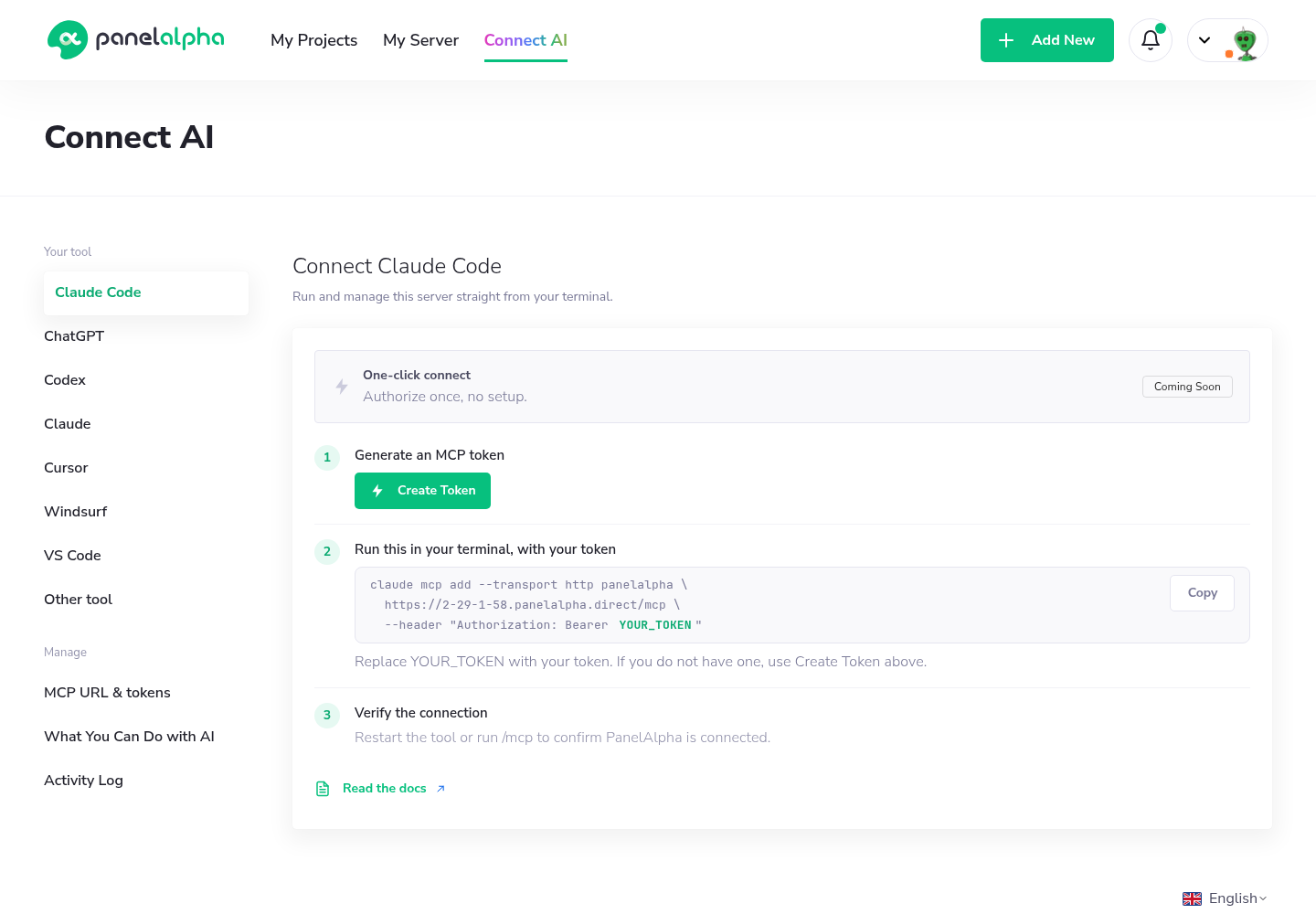
Current page
Screenshot of Connect AI as it is now (2.29.1.58, 17 Nov 2026).